 Photoemu
Free Photoshop alternative online — edit PSD & photos without installing Adobe
People search for a free Photoshop alternative for three practical reasons: cost, access and speed. Licences are expensive, school or office computers often block installs, and sometimes you only need to change a headline or export a PNG, not launch a full desktop suite.
Photoemu is built for those moments. It is a free online photo editor that opens PSD files, works with layers, and edits everyday PNG and JPG assets without an Adobe install. The layer idea is the same one described in Adobe’s own layer basics documentation; Photoemu simply runs it in a browser tab. This guide is deliberately honest about where that is enough and where it is not.
What “Photoshop alternative” should mean
A useful alternative is not a pixel-perfect clone of every Photoshop panel. It should cover the jobs most people actually need done:
- Open a client PSD and understand the layer stack
- Update text, crop for a new ratio, or clean up a photo
- Export a shareable PNG or JPG the same day
- Work on Chromebooks, locked-down PCs and travel laptops
If that describes your workload, a browser editor can be the smarter default. If it does not, keep reading, because the second half of this guide covers the cases where desktop Photoshop still wins.
When Photoemu is enough
PSD access
Open Photoshop documents when the licensed computer is somewhere else. Start at the online PSD editor.
Layer habits
Keep text and graphics editable instead of flattening everything straight away.
Photo and design
Retouch photos and assemble simple creatives in the same online photo editor.
No install
Skip downloads and admin passwords when the deadline is today.
In practice, Photoemu is a good fit for thumbnails, social posts, product shots, banner tweaks, quick PSD reviews and learning how layers work. If your week is mostly those jobs, you may rarely open the desktop app.
When desktop Photoshop still wins
Photoemu does not try to replace everything Photoshop does, and you should not expect it to. Desktop Photoshop remains the better tool when you need:
- Print and colour-managed production with strict profile and proofing requirements
- Plugins, scripts and automation built up over years of studio work
- Very large or very complex files, such as huge multi-layer composites, where browser memory becomes a limit
- Advanced specialist features used in professional retouching, compositing and 3D or video work
- Exact PSD fidelity for files that use unusual effects, smart objects or niche blend settings
If a PSD relies on features a browser editor cannot reproduce, it may open with differences. That is not a flaw you can work around with clever settings; it is simply a reason to use the original app for that file.
Realistic comparison: Photoemu vs Photoshop
| Need | Photoemu | Desktop Photoshop |
|---|---|---|
| Open a PSD quickly in a browser | Strong fit | Requires install and licence |
| Everyday crop, text, retouch, export | Strong fit | Excellent, but heavier |
| Deep studio, print and plugin pipelines | Limited | Industry standard |
| Cost to start | Free online | Paid subscription |
Honest positioning builds more trust than exaggerated “Photoshop killer” claims, and it saves you from picking the wrong tool halfway through a deadline.
A simple way to decide
Ask three questions. Is the file ordinary, such as a photo, a banner or a thumbnail? Is the output a PNG or JPG for screens? Do you need it done on whatever computer is in front of you? If the answer to all three is yes, start in Photoemu. If the job involves print profiles, plugins or a file that is already heavy and complicated, open desktop Photoshop and save yourself the detour. Many people end up with a mixed routine: quick edits and reviews in the browser, and deep production work in the desktop app.
How to try Photoemu as your Photoshop alternative
The quickest way to judge it is to run one real task from start to finish.
Start using Photoemu
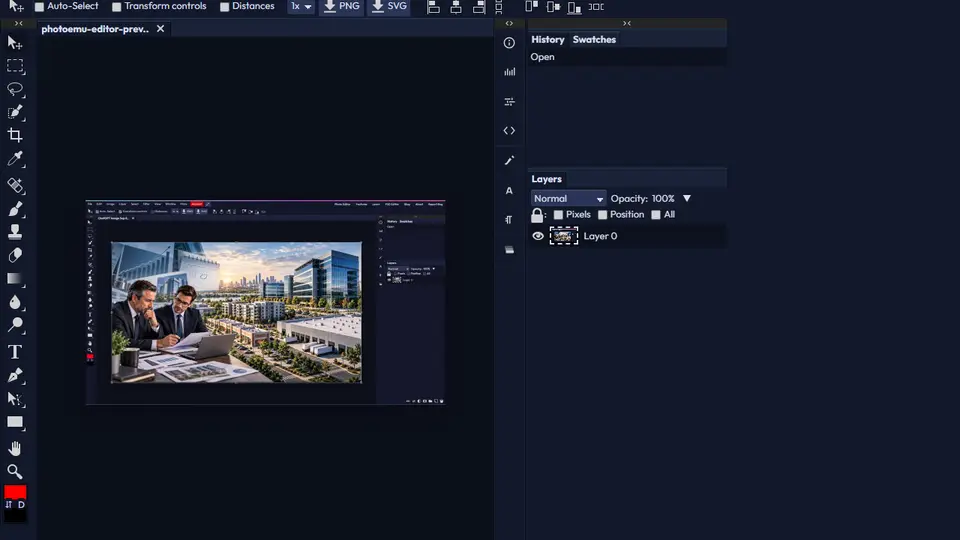
Open photoemu.com and choose Open From Computer. Load a small PSD or a PNG or JPG creative you already know well, so you can compare the result with your usual workflow.
Check the Layers panel
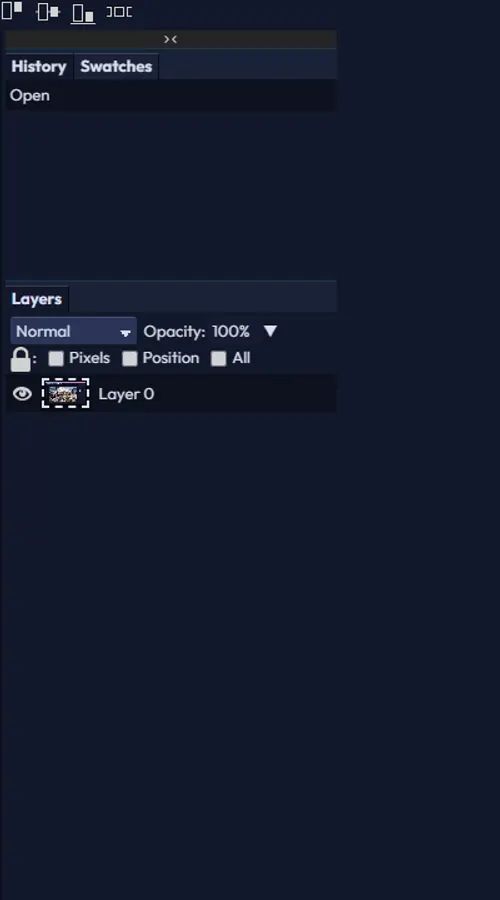
Look at the layer stack in the Layers panel. Hide and show layers, select a text layer, and confirm the structure matches what you expect from the original file.
Crop, resize and add text
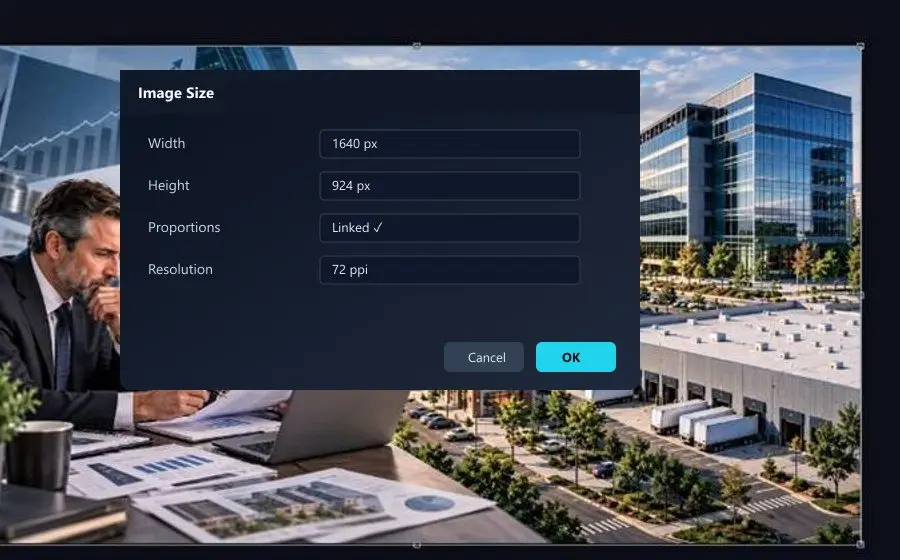
Use the Crop Tool to reframe for a new ratio, then open Image → Image Size to set exact dimensions. Pick the Type Tool to add or restyle a headline on its own layer. Colour tweaks live under Image → Adjustments.
Save and export
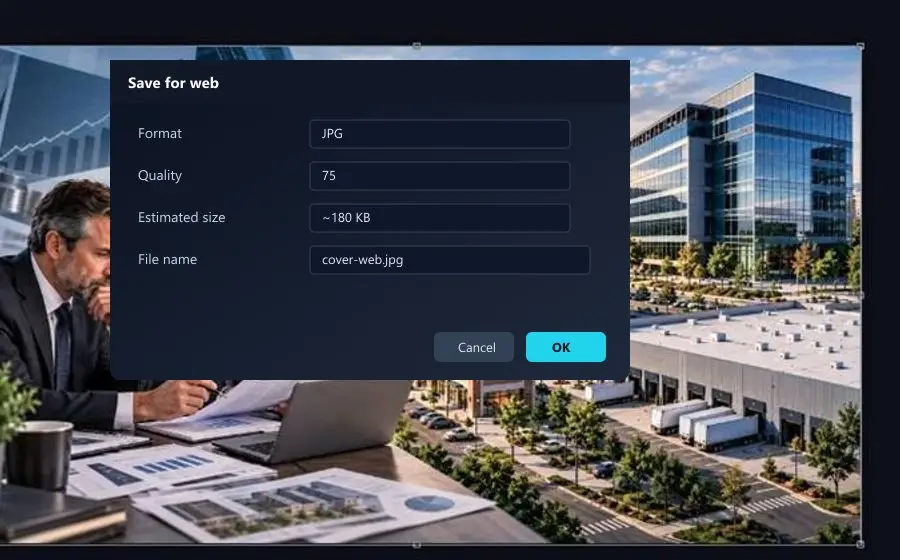
Choose File → Save as PSD if you want to keep the layers. For sharing, use File → Export As or Save for web, select PNG or JPG, set the quality, and save. Then compare the export against what you would normally produce. For a longer walk-through of opening layered files, see how to edit PSD files online free.
Tips and common mistakes
A few habits make any switch smoother, whichever editor you end up preferring.
- Test with a real file. A small sample tells you more than a feature list.
- Do not flatten too early. Keep layers until the final export so revisions stay easy.
- Do not judge by one complex PSD. If one unusual file looks different, check a few ordinary ones before you decide.
- Keep your original. Work on a copy so the source file is never at risk.
- Choose the right format. JPG for photos, PNG for transparency, PSD for a working file.
Browse the Photoemu features and the Learn guide for a closer look at each tool, or compare options in our best free online photo editor guide.
Related reading
References
- Layer basics — Adobe Photoshop User Guide
- Photoshop Document — Wikipedia
- Image file type and format guide — MDN Web Docs
FAQ
Is there a free Photoshop alternative that runs in a browser?
Yes. Photoemu opens PSD files and edits PNG and JPG with layers and tools in your browser, with no install.
Can it replace Photoshop completely?
For many everyday edits and reviews, yes. Advanced studio work, print production and plugin-heavy pipelines may still need desktop Photoshop. Lots of teams use both.
Will my PSD look exactly the same?
Usually the layer structure and text carry over, but files that use unusual effects or smart objects may render differently. Check important files against the original.
How do I keep layers when I finish?
Use File → Save as PSD. Export As or Save for web creates a flattened PNG or JPG for sharing.